 Travelers
For travelers
Plane, airport before Wi-Fi, mountains, cruises, no-SIM trips. Voice in, voice out — even with hands full of luggage.
A pocket AI voice translator and a private AI assistant — fully offline. After a one-time model download, everything happens on your phone.
Built for
Travelers
Plane, airport before Wi-Fi, mountains, cruises, no-SIM trips. Voice in, voice out — even with hands full of luggage.
 Confidential
Confidentiality matters. Voice, photos, documents and chat history never leave the device — there is no cloud to leak to.
 AI-curious
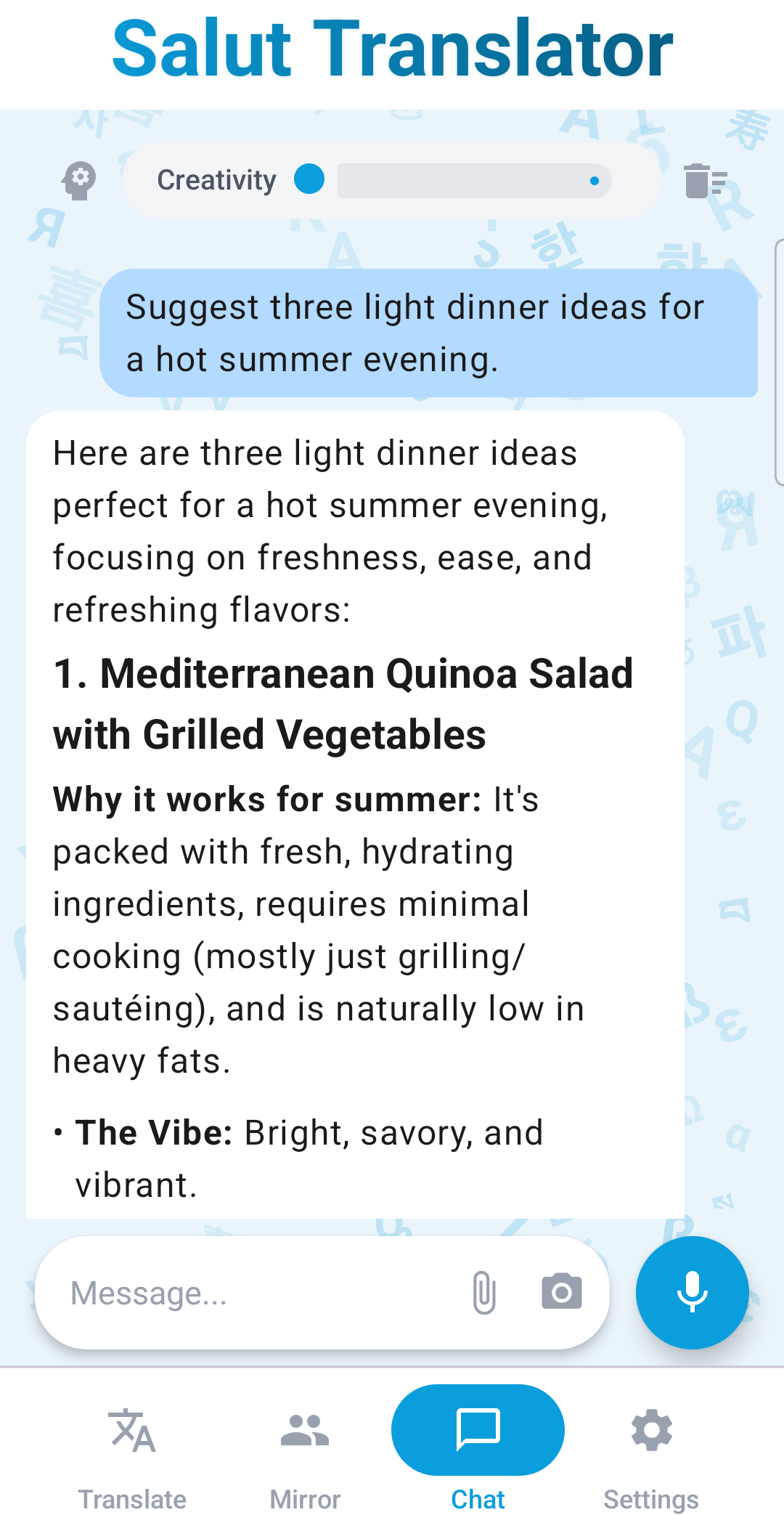
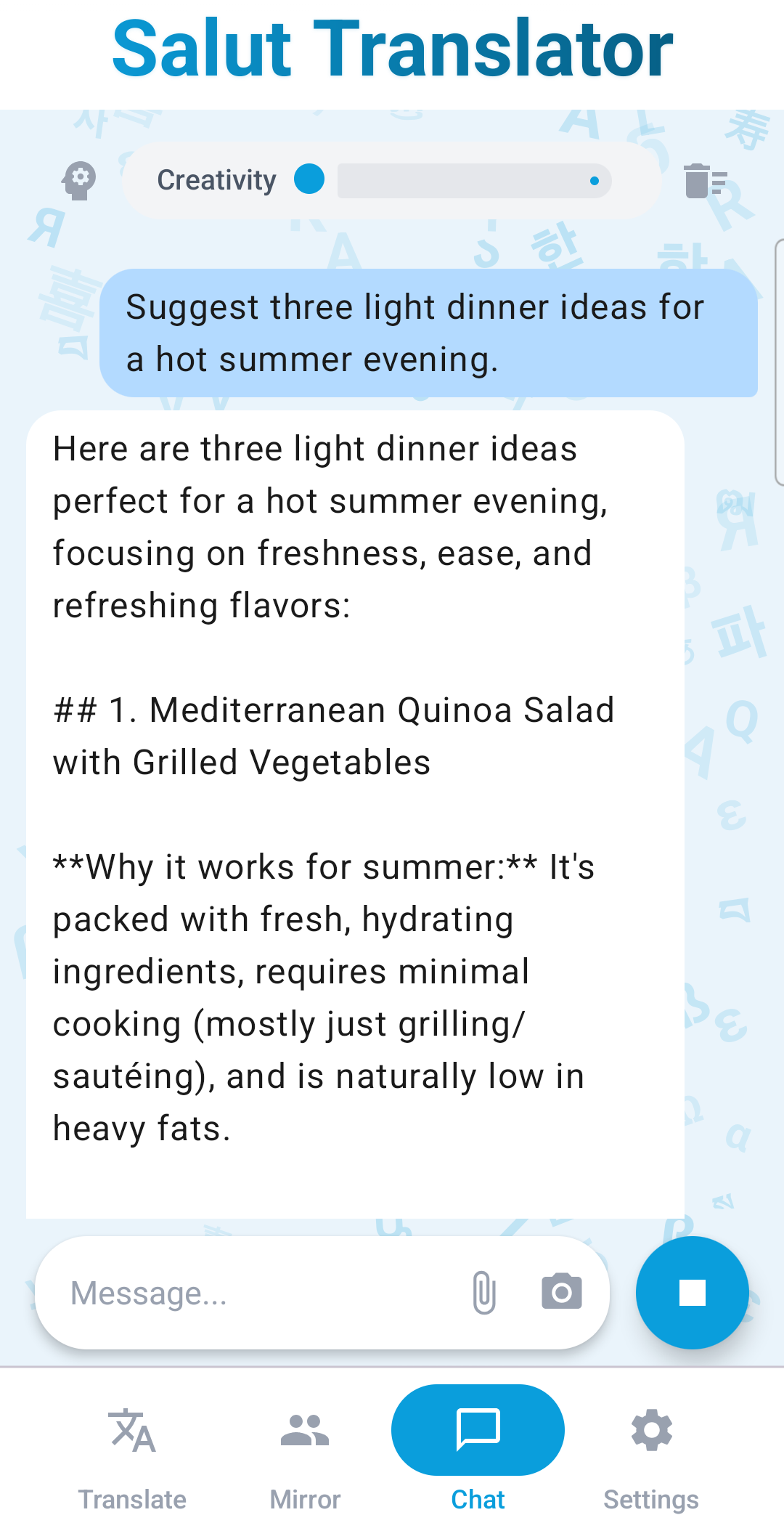
A real local LLM in your pocket. Streamed answers, reasoning toggle, creativity slider — no remote server, no per-message AI fees.
Inside the app
Real screenshots, with the parts that matter highlighted. Tap a card to jump into that mode below.
The signature feature
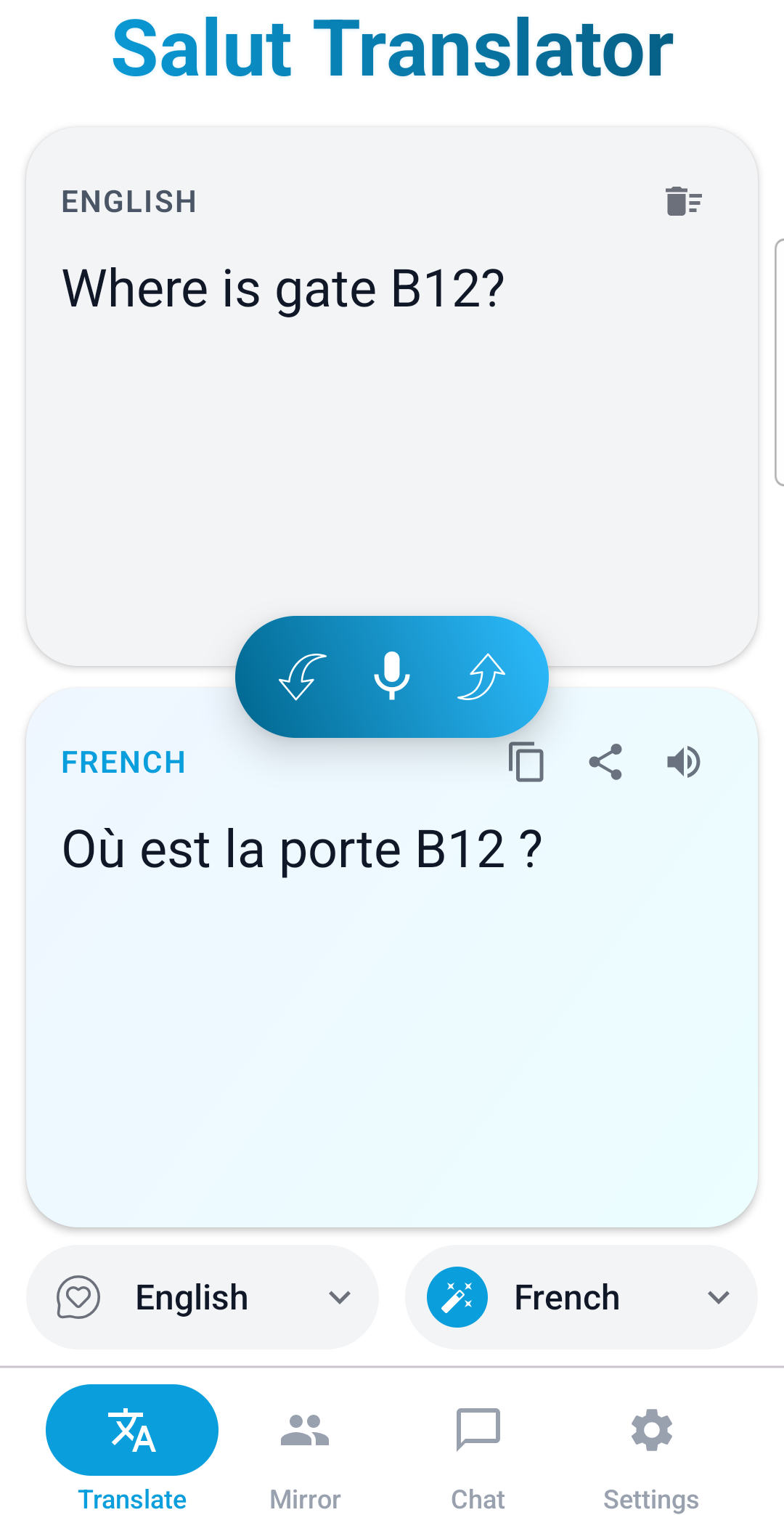
Mic, language detection, translation, and spoken playback all happen on your phone. Not transcription, not text-only — a real "speak and hear" experience.
"It works on a plane, in an airport before Wi-Fi, in the mountains, on a cruise, on the metro, and in any country without a local SIM card."
On-device
Privacy by architecture
The AI runs locally. The internet is used once — to download the AI model. After that, Salut works in airplane mode and stays there.
On-device LLM
No content telemetry
Safe for medical & legal work
No request leaves the device
Translation prompts, audio, photos and PDF attachments are processed inside the app's own AI process.
No third-party AI provider
There is no cloud inference fallback. If the network is off, the AI still works.
Network used only to download a model
After that, you can flip on airplane mode and keep using Salut as-is.
Four modes, one app
Type or speak. Get the translation back as text and as audio.
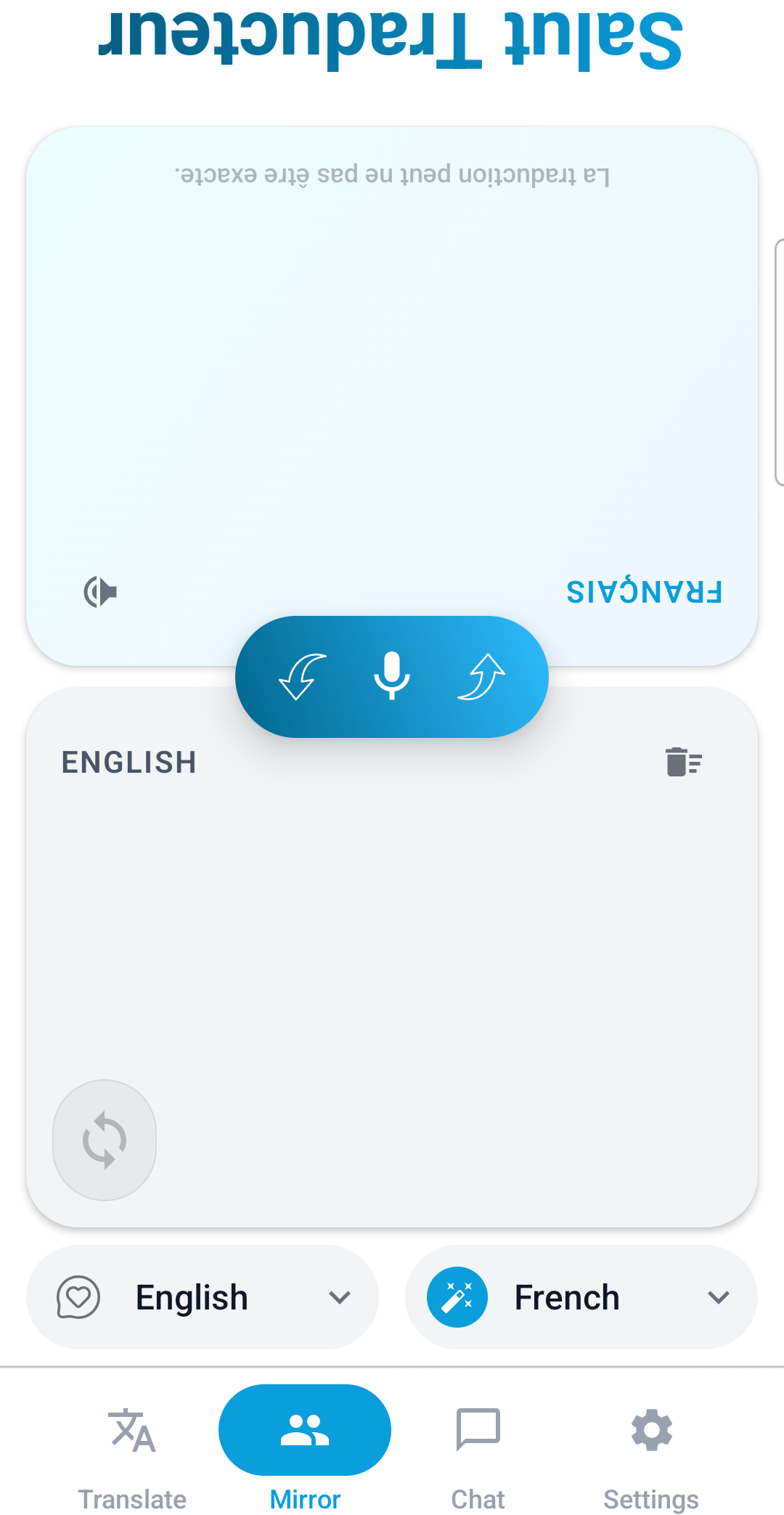
Place the phone between you. Each side speaks in their language and hears the translation aloud.
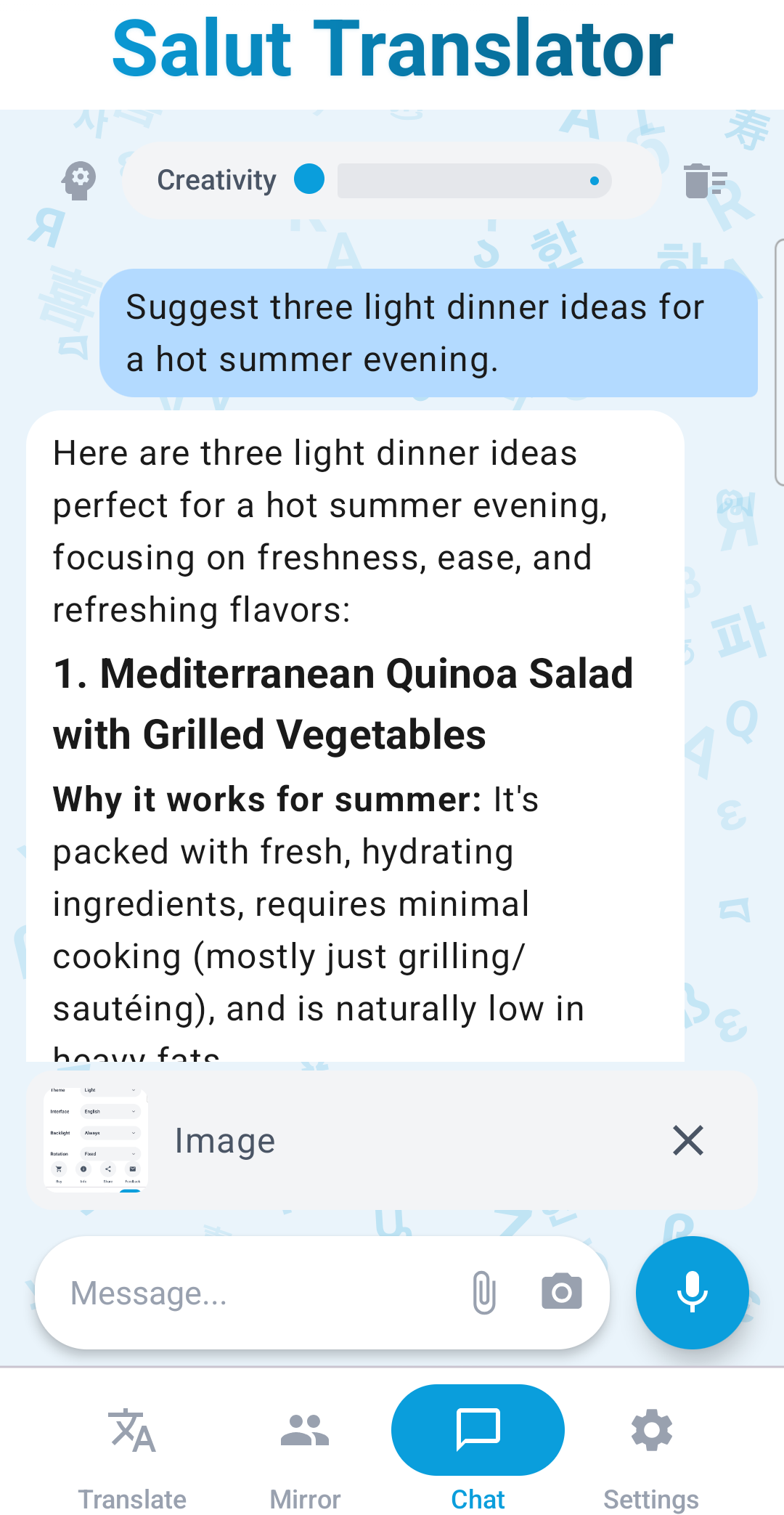
A private AI assistant. Attach photos, audio, and PDFs. Streamed answers.
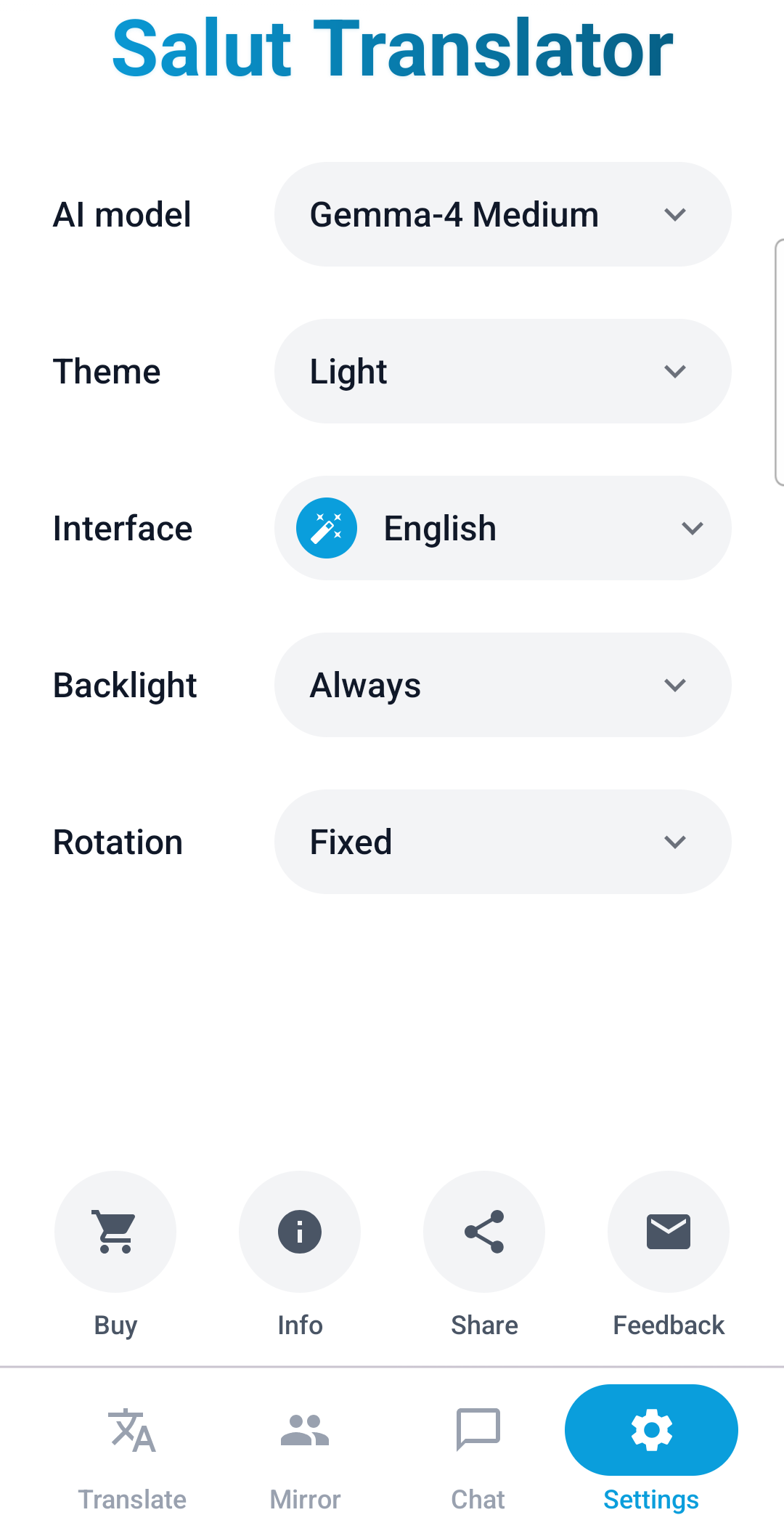
Plus a Settings tab for languages, theme, AI model, screen orientation and audio behavior.
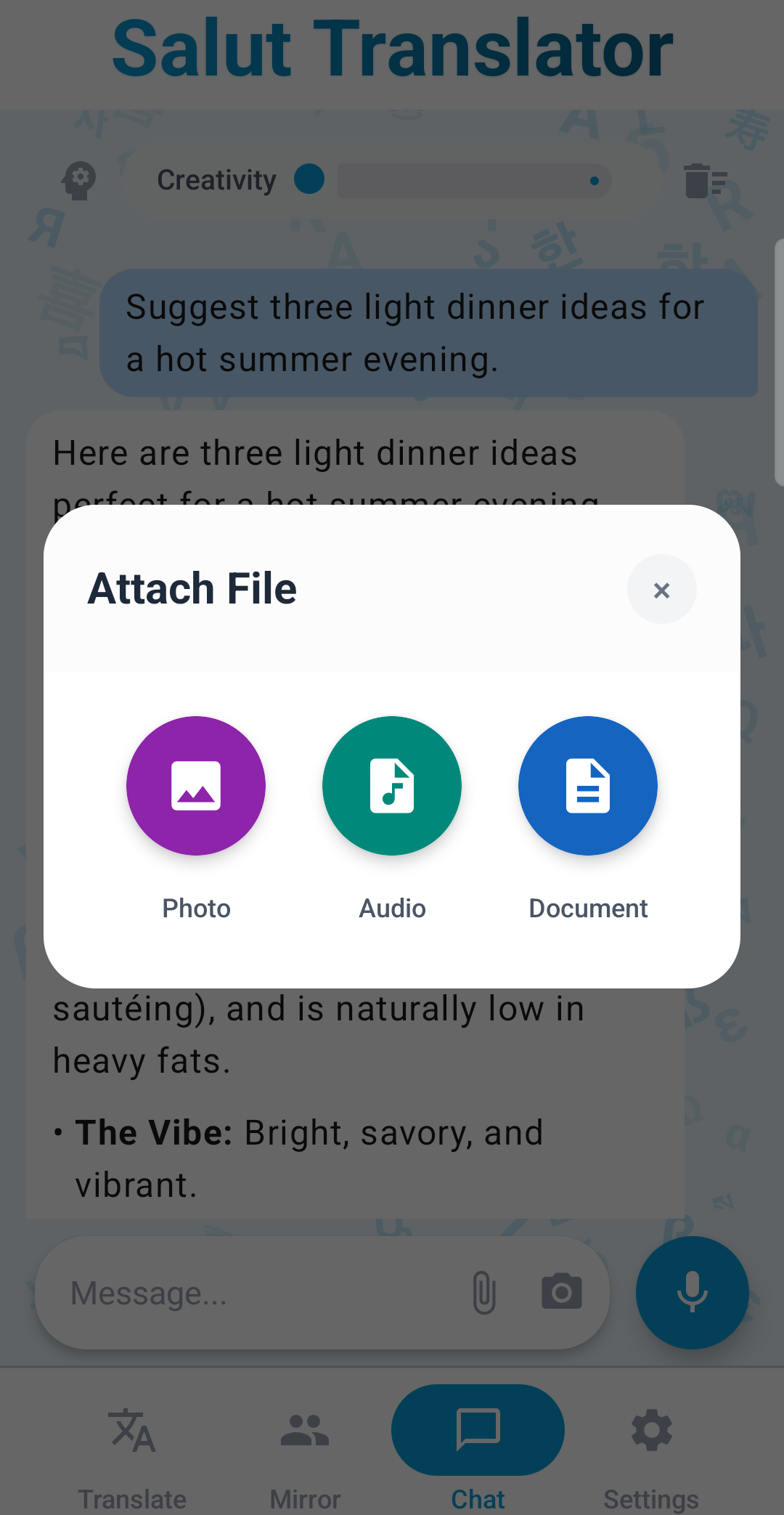
Multimodal input
Attach photos, audio recordings, PDFs and text documents to chat. The camera is built right in. Salut understands the contents — including handwritten text — and answers in plain language. All offline.
A real AI on your phone
It understands idioms, long context, tone and intent. Translation quality is noticeably higher than classic offline dictionaries.
Idiom handling
strike the road time to leave
"hit the road" — translated by meaning, not word-by-word.
Honest accuracy
Each language shows the percentage of successful translations on a fixed test set. You see the expected quality up front — instead of vague "100+ languages" claims.
Showcased here are top-tier languages (≥93% on the in-app test runs of 30 English→target phrases, capped at 95%). The full catalog with real numbers for every language — including ones with lower scores — lives inside the app.
Real situations

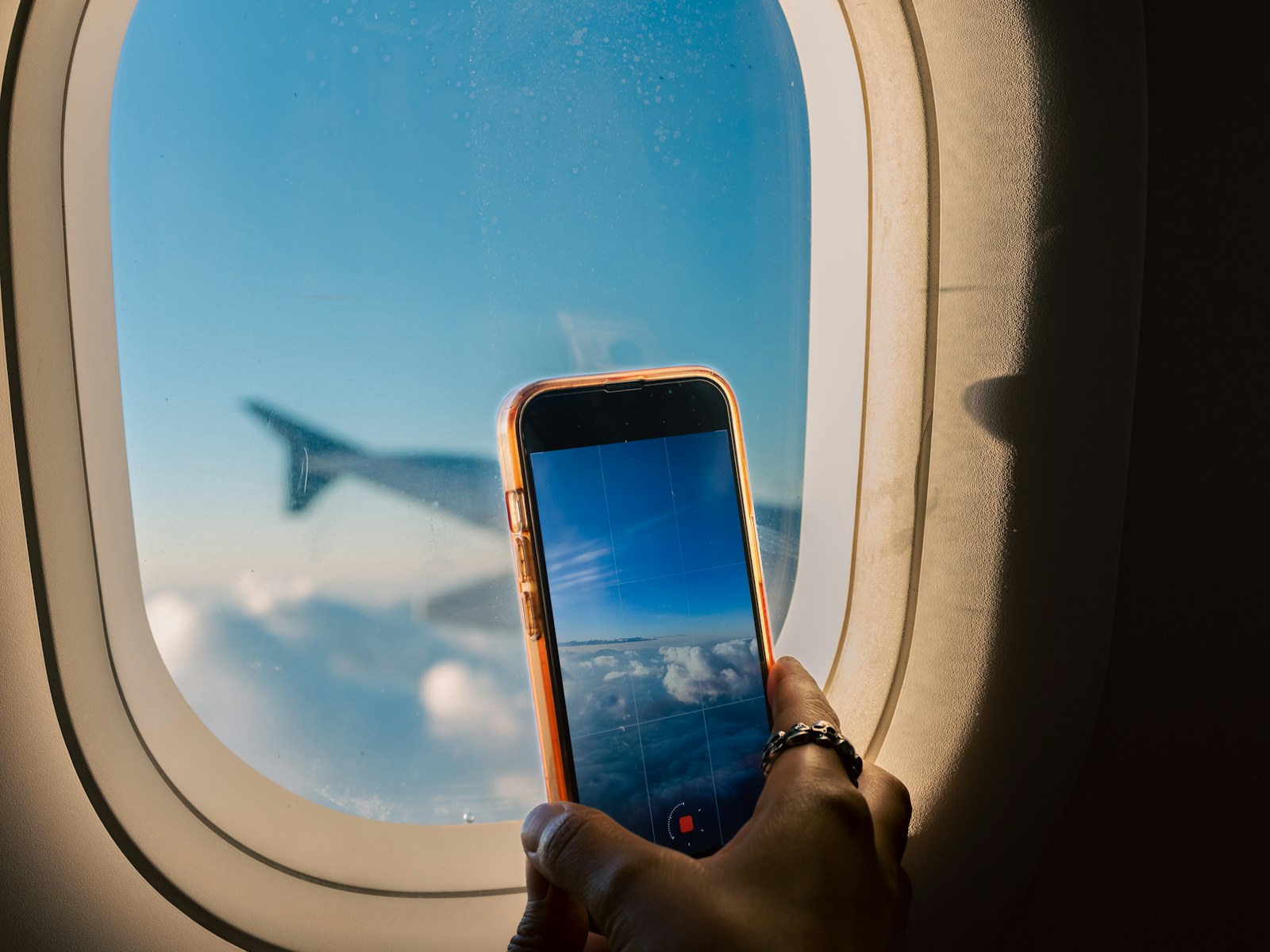
Long-haul flight, layover, airplane mode. Open Mirror, place the phone between you and your seatmate — each side speaks their own language and hears the translation.

Just landed. No local SIM, no Wi-Fi without a local phone number. Salut speaks "Where can I get a taxi to the city center?" in the local language.

A chalkboard menu in another language. Snap a photo in chat — Salut reads the handwriting and translates dish by dish.
 Privacy critical
You fall ill abroad and end up at a local clinic. Mirror mode, phone on the desk between you and the staff. Symptoms stay on the device — your medical data never lands on a foreign hospital's network.

Attach the rental contract PDF in chat. Get a summary of key clauses — without sending the file to any third-party server.

A multi-day trek, no coverage. You speak into Salut, the local guide hears their language; they answer, you hear yours.
How Salut is different
Most translators are powerful only online. Salut is built the other way around: voice loop, photos, documents and chat all run on the phone after a one-time model download.
Cloud assistants need a constant connection and a paid subscription for their best models, and your prompts and attachments end up on third-party servers. Salut delivers a similar smart-assistant experience, on the device.
Local AI apps for tinkerers can run an LLM, but lack translator UX, mirror mode, voice loop with TTS, and built-in handling of photos and PDFs. Salut is the finished product.
Hardware AI acceleration
Salut runs on CPU on every device and uses GPU acceleration on phones that support it. The runtime taps into your phone's full AI capabilities — including additional accelerators where supported by the model — so answers come back quickly and voice playback stays smooth, even on complex languages.
CPU
Always on
Reliable on every modern phone, no extra setup.
GPU
Boosted
Faster inference and smoother voice on supported devices.
Auto-pick
The fastest available path
Salut benchmarks each AI model against your hardware on first launch and, when you choose a model, automatically routes inference to whichever combination gives the smoothest result on your device.
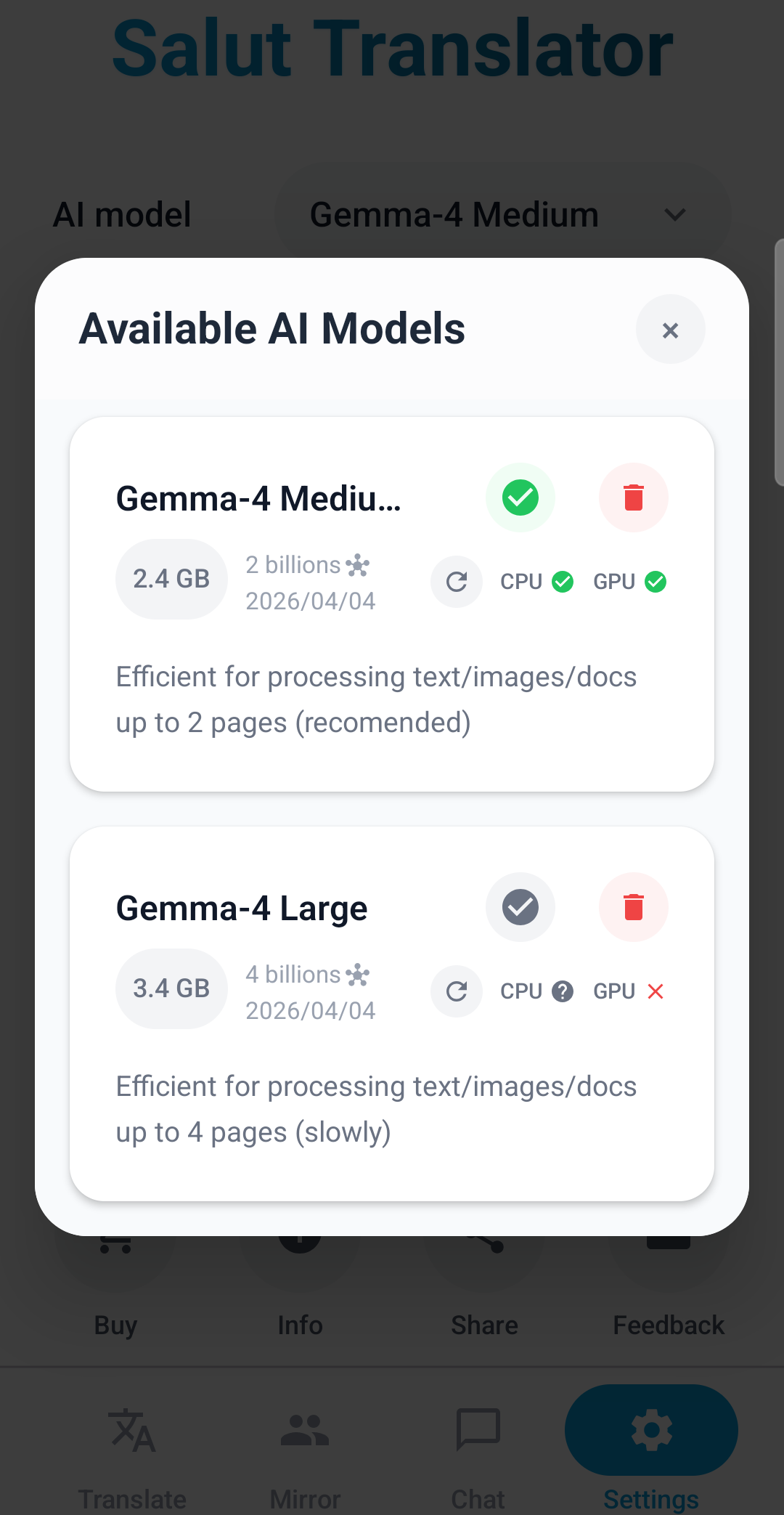
Each model is checked against your hardware so Salut picks the fastest path automatically.
FAQ
Only once — to download the AI model. After that, Salut works fully offline: translation, voice, spoken playback, chat, photos, and documents.
It depends on the model you pick. The app shows the exact size before download and offers options for different storage budgets.
The catalog has 70+ working languages. Each one shows the real percentage of successful translations on a fixed test set so you can see expected quality up front. Numbers are capped at 95% to stay conservative.
Yes. After the model is downloaded, no internet connection is required for translation, voice input, or playback.
Yes. The AI runs locally on your phone. Voice, photos, documents, and text never leave the device. The network is only used to download the AI model and app updates.
No subscription is required to translate. The core experience — translation, voice, chat, photos and documents — stays free after a one-time model download. Salut is supported by a small banner ad at the bottom of the screen, and a future release may offer an optional in-app purchase or subscription that removes the banner and unlocks extra features.
Yes. Voice input, translation, and spoken output all work offline.
Yes. Take a photo of a note, a menu, or a leaflet — Salut reads handwriting and translates the meaning, not just the characters.
Modern Android phones with a capable GPU. Salut uses CPU and GPU acceleration and taps into your phone's full AI capabilities — on recent flagships, voice translation typically starts within a fraction of a second.
Free to translate after a one-time model download. No cloud, no roaming, no AI usage fees.